BUY
DOWNLOAD
SCREENS
NEWS
SCREENSHOTS
Screenshots of
Directory Lister
.
Main program window with some MP3 files properties displayed in the preview window.
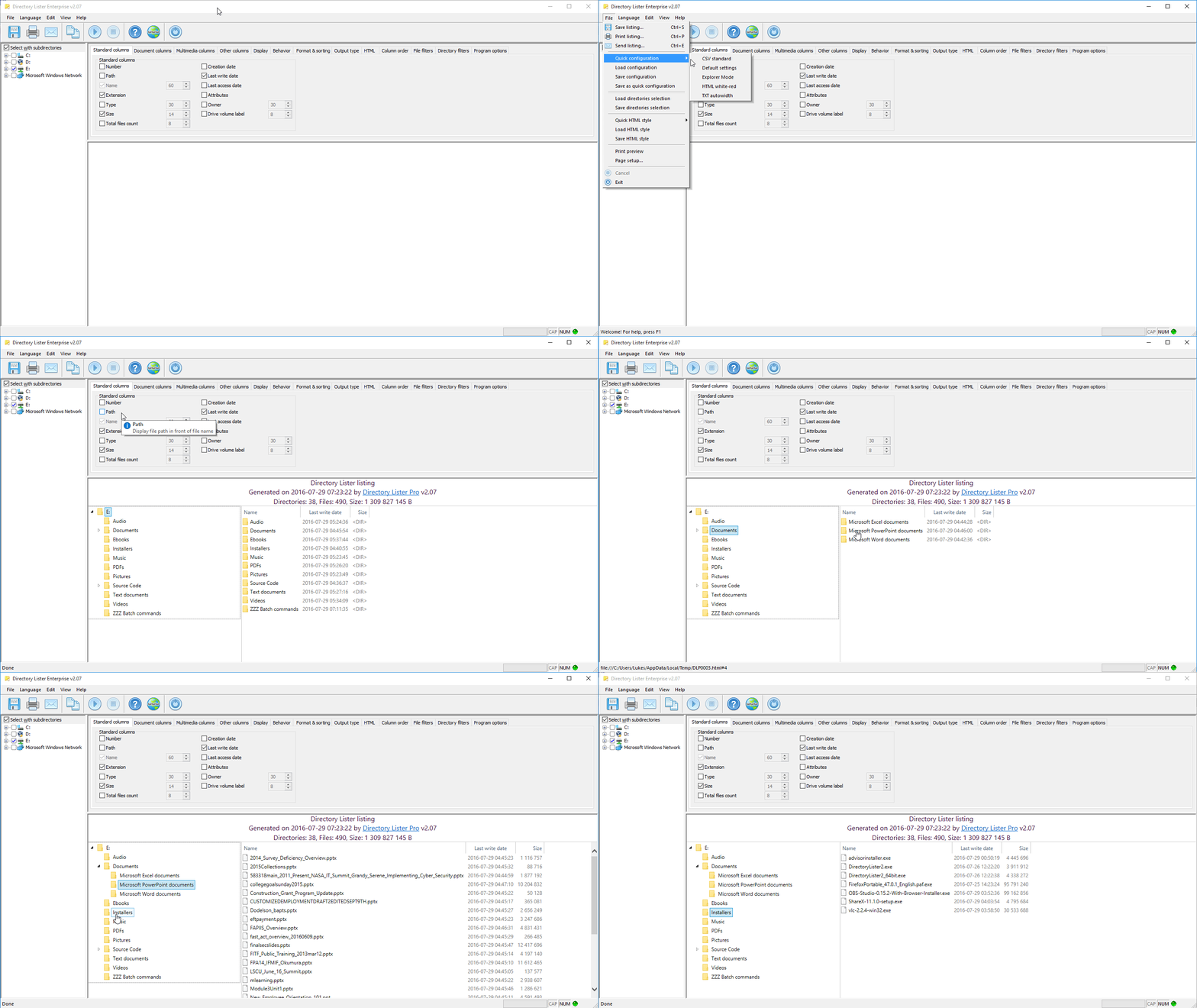
Explorer mode is best launched with the File->Quick configuration->Explorer Mode menu.
Standard file properties.
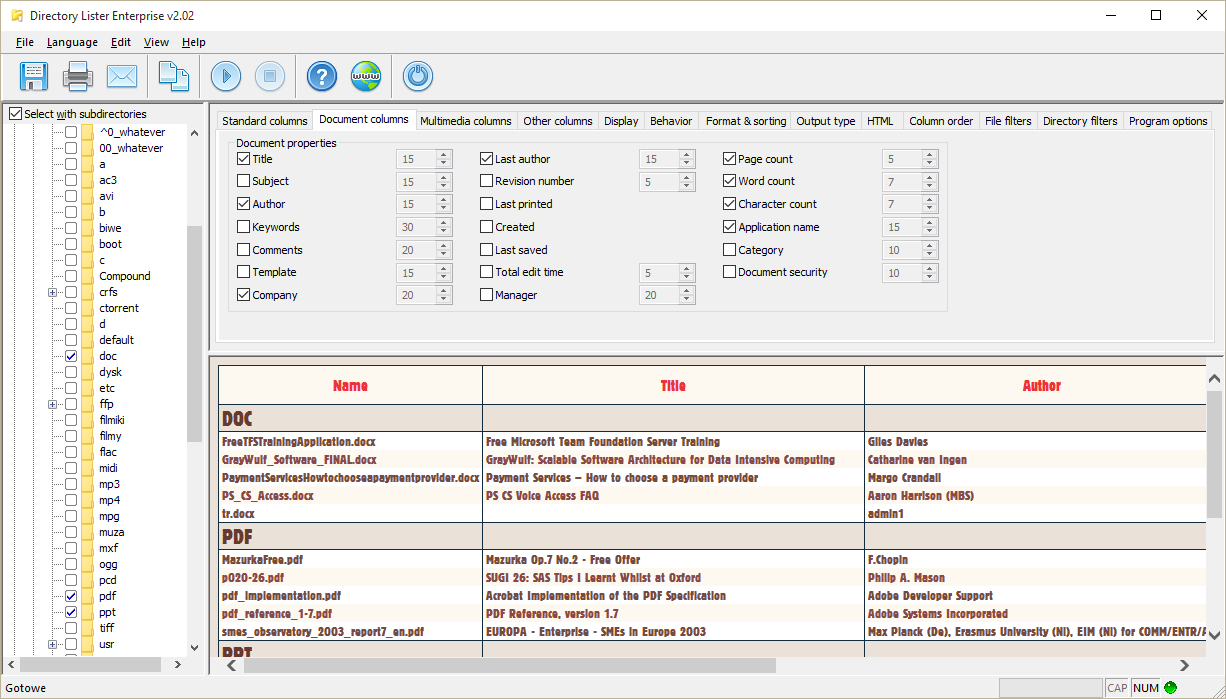
Document properties from various PDF, DOCX or XLSX files.
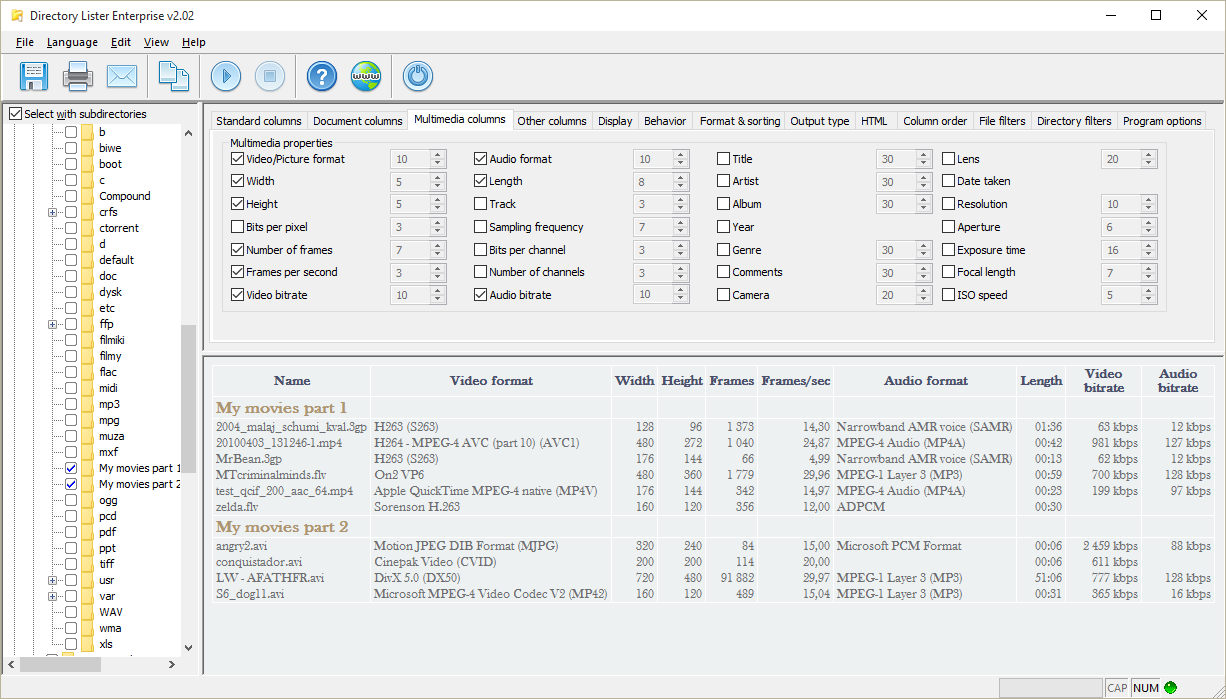
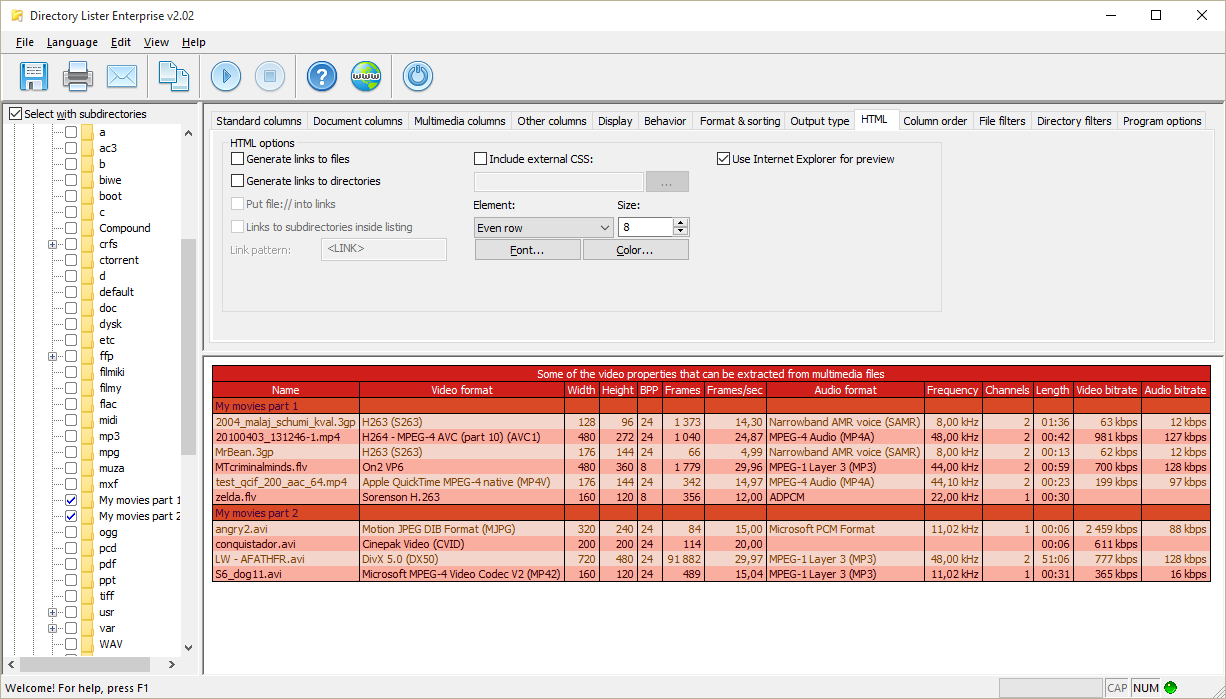
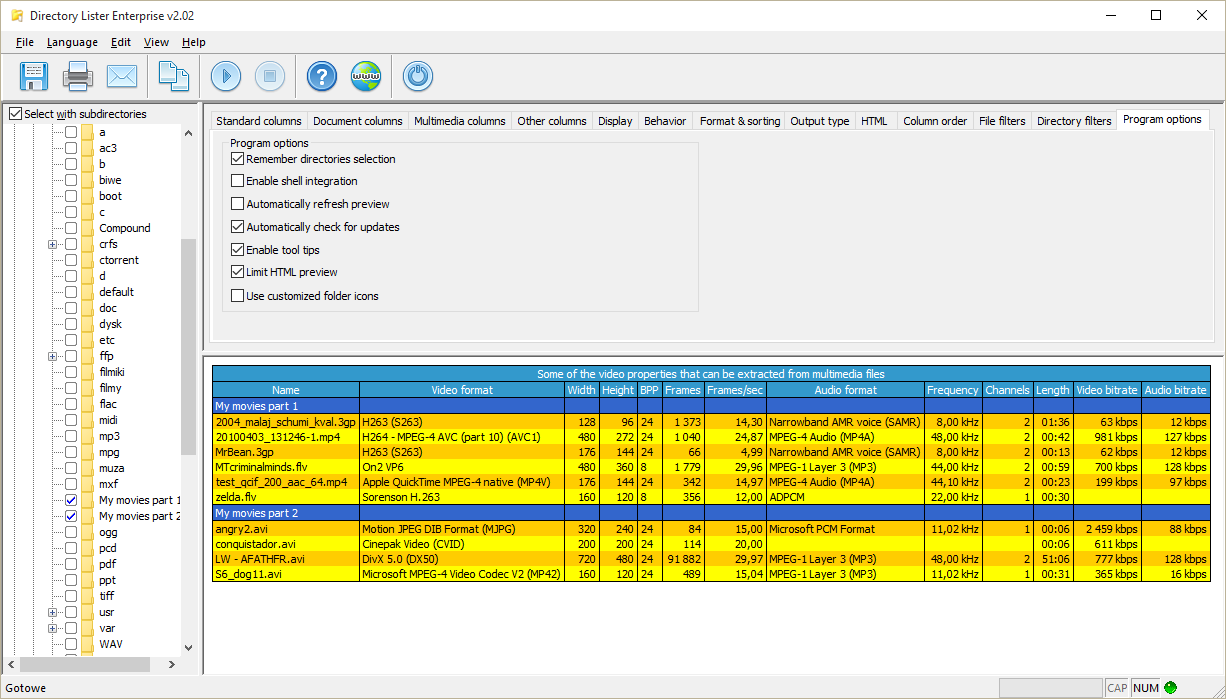
Video properties from AVI, MP4 and other files.
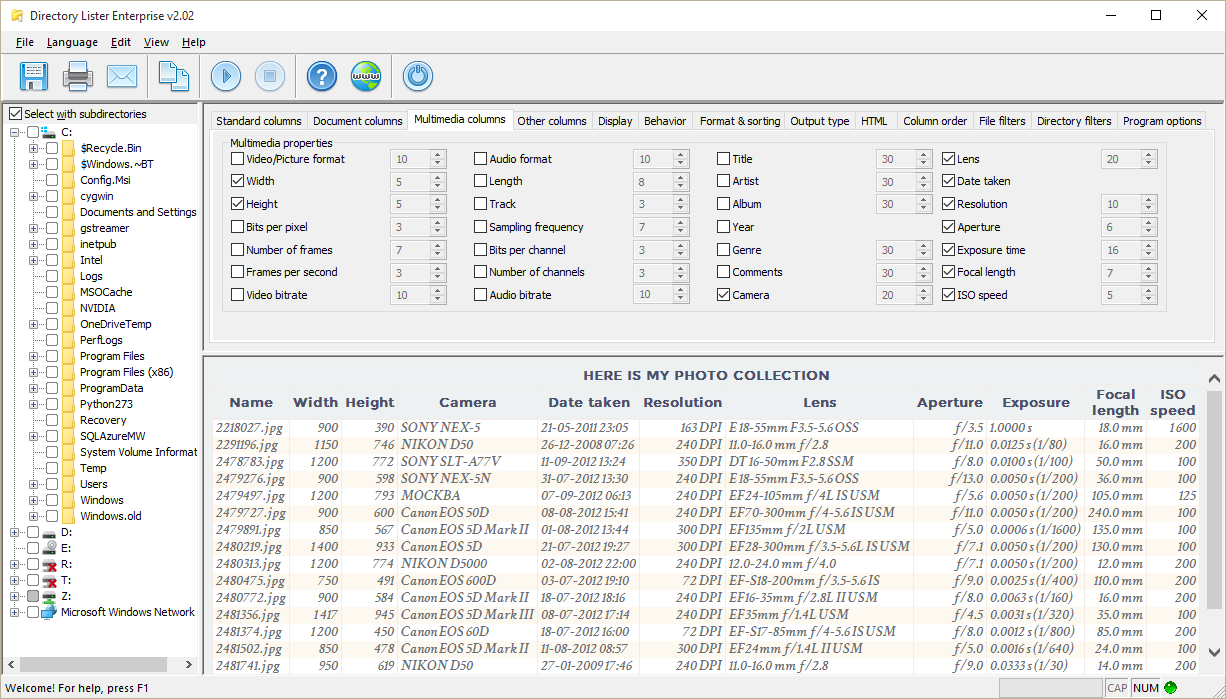
Photo properties can be retrieved from JPG and other images.
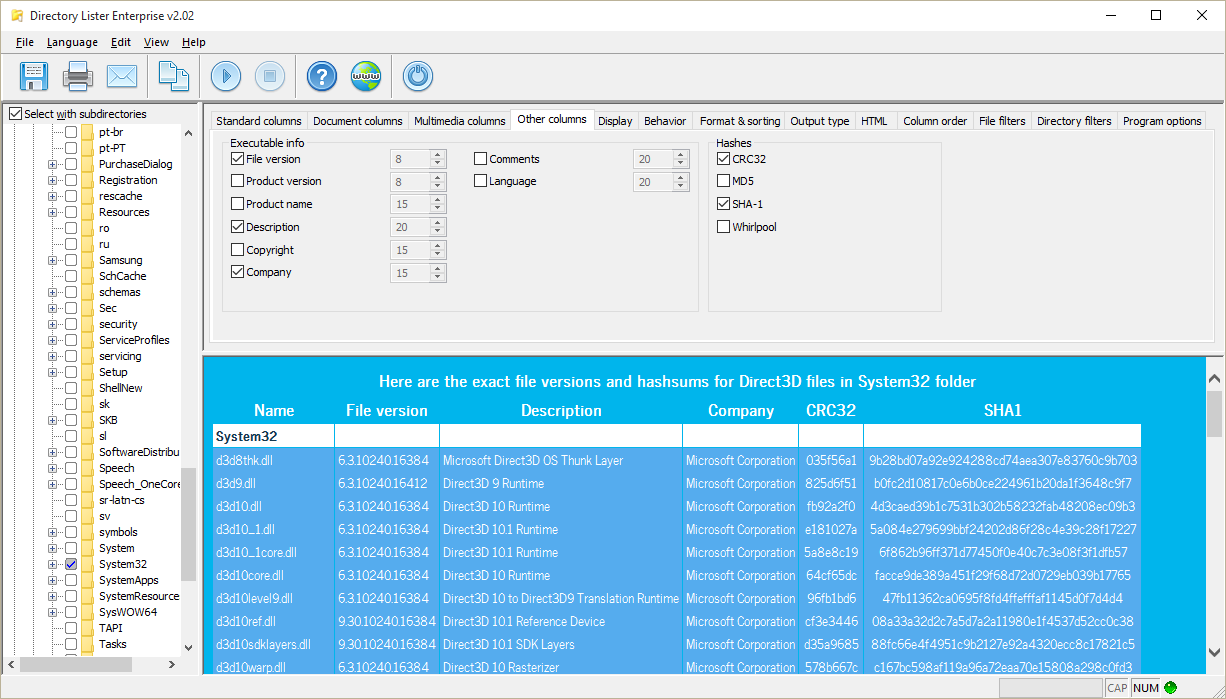
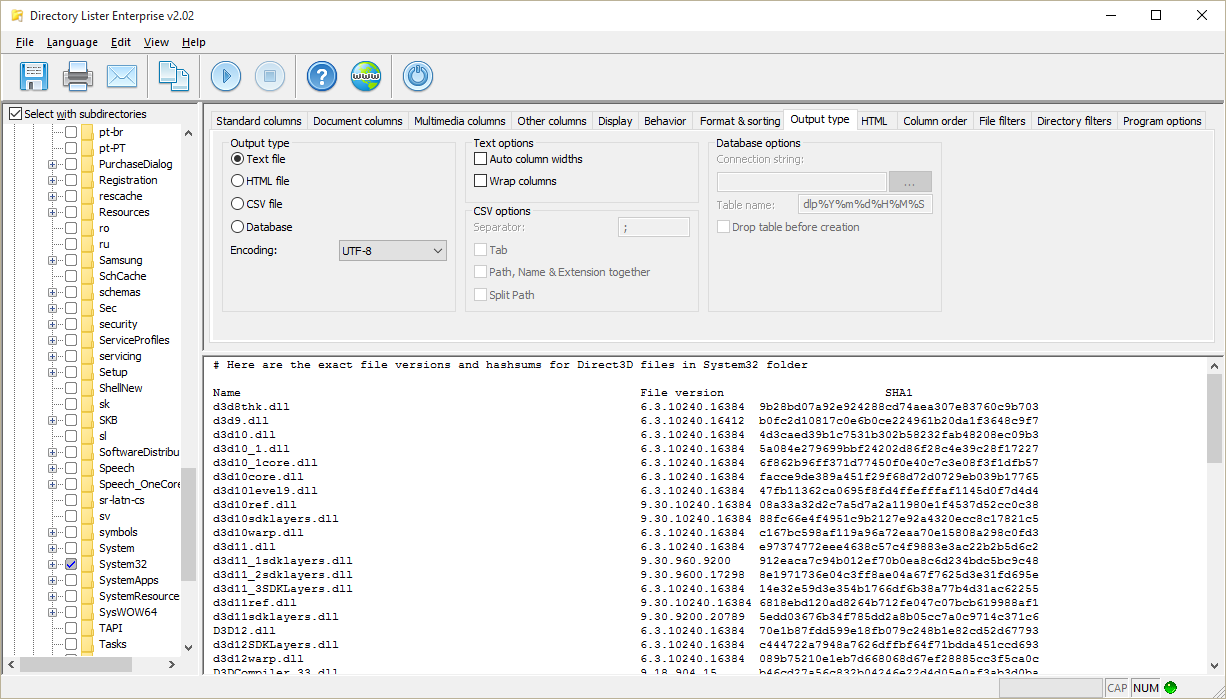
Executable files like EXE, DLL, OCX are listed together with their CRC32 and SHA1 hashes.
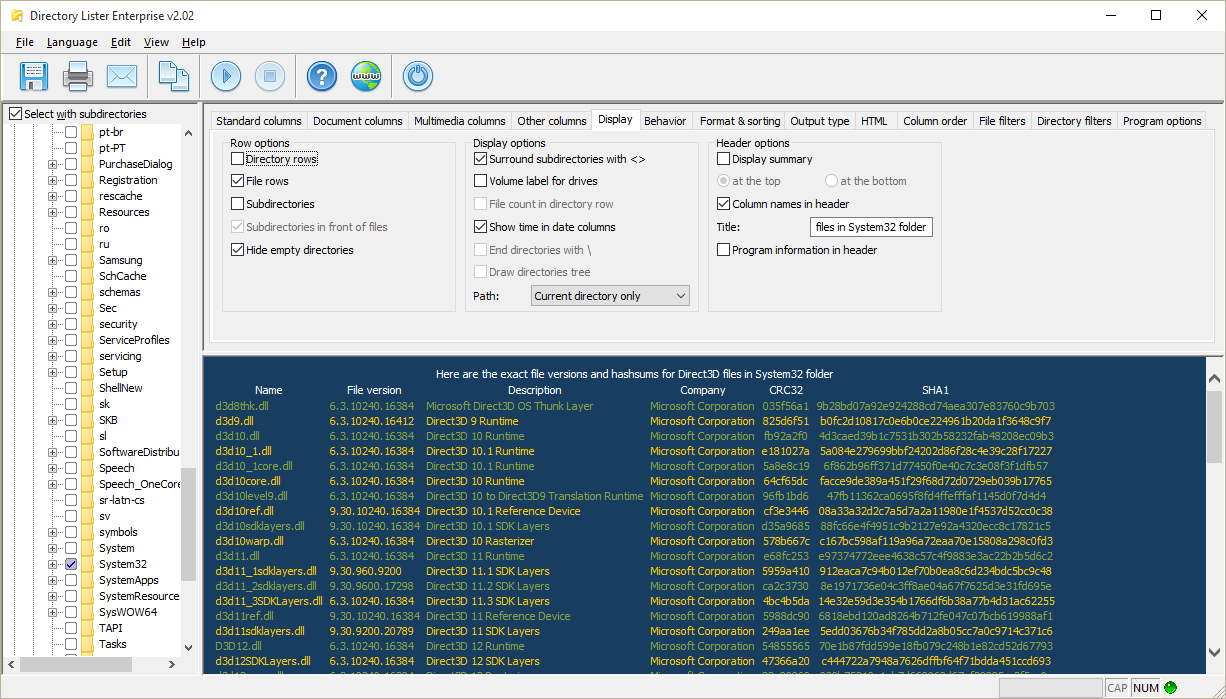
Display options are used to control the final listing look.
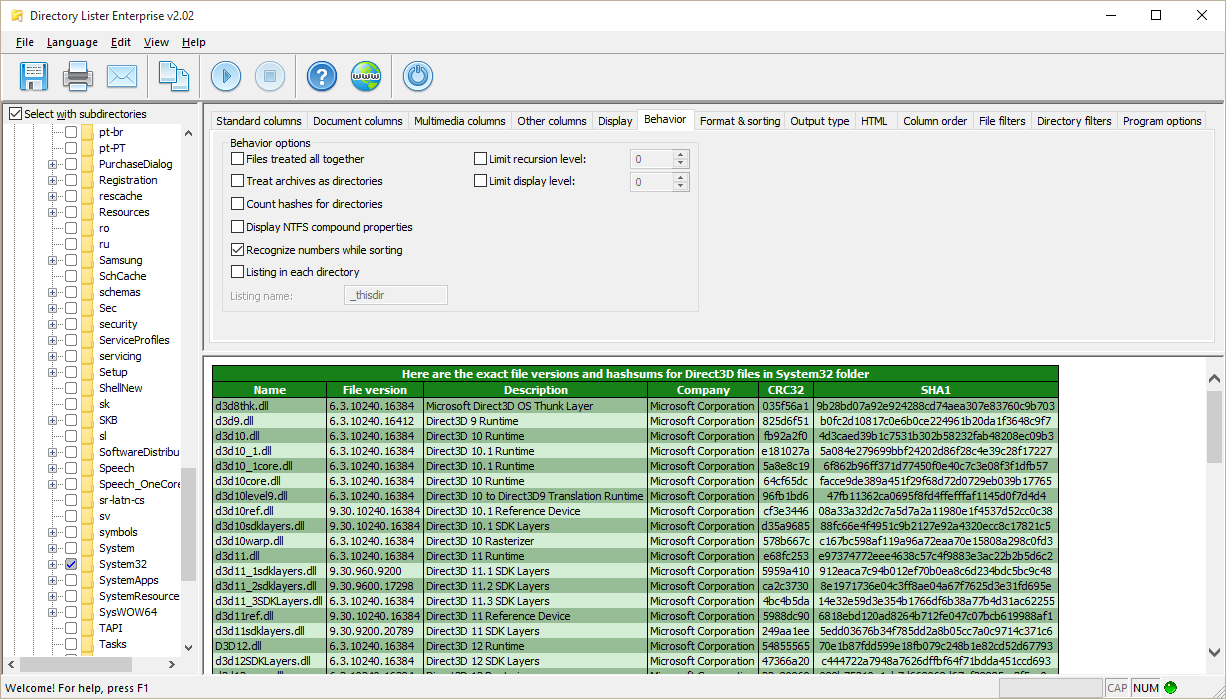
Behavior options affect how files are searched for.
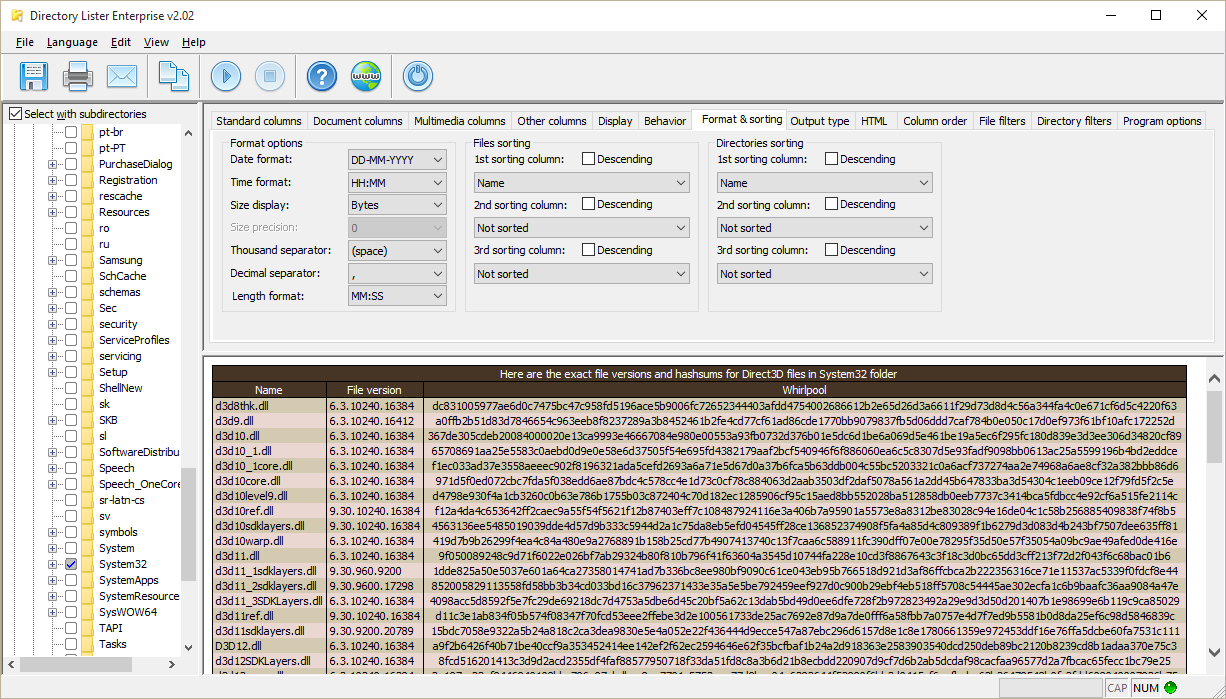
Format of the data and size properties and sorting of files.
Output type page with a text listing.
HTML page where you can set options related to HTML output.
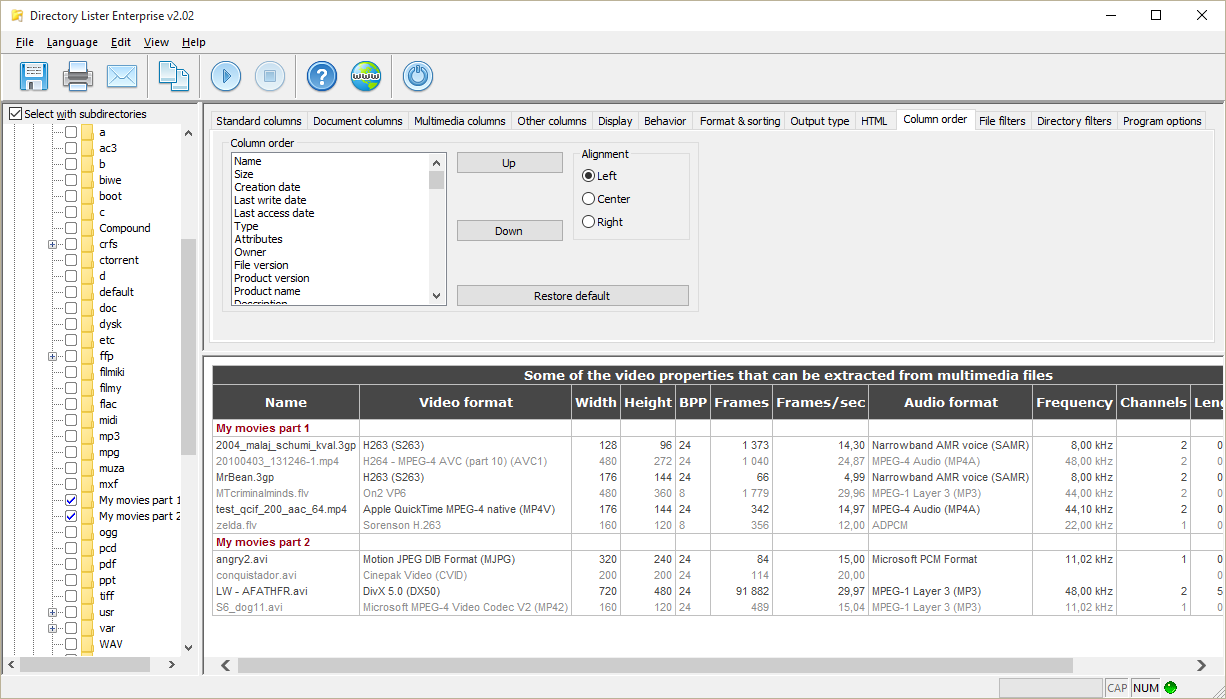
Column order page with red-gray HTML style.
Files can be filtered by name, date, size or attributes.
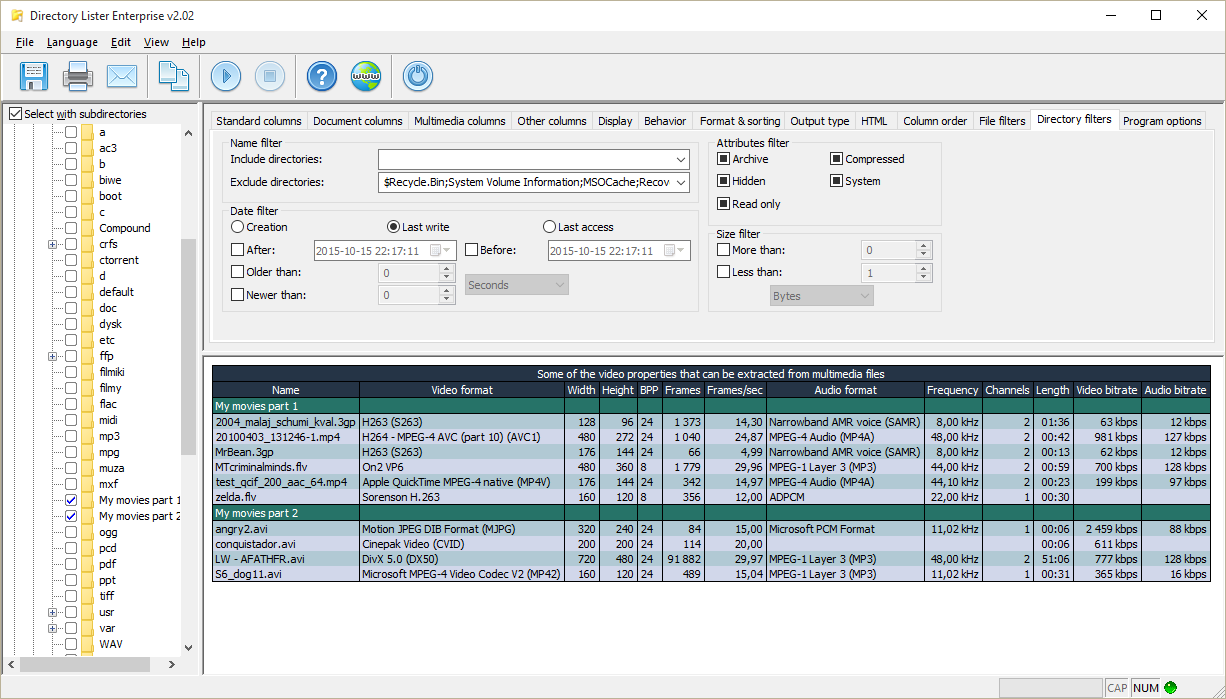
Folders can also be filtered.
Program options page.
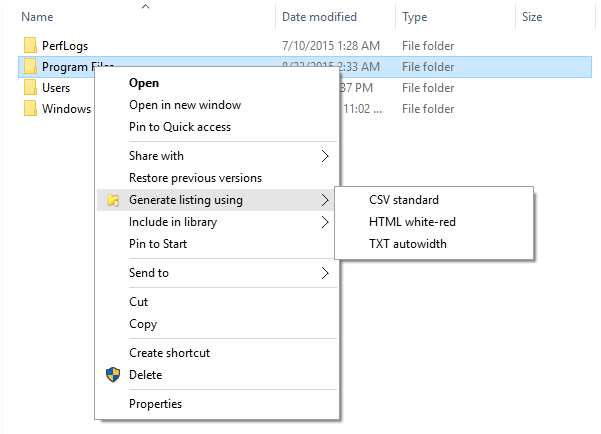
Context menu interface, just after you right click a folder in Windows Explorer.
GET IT NOW!
Buy now
Download
Site map
Home
Purchase
Downloads
Screenshots
Videos
Features
Support
News
Changes
Testimonials
Awards
Copyright (c) 2000-2023 KRKsoft.